
Want to use VRS Español on ConvoLink? Just follow these quick steps:
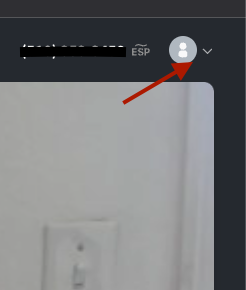
1. Log into ConvoLink and click the user icon or arrow in the top right corner.
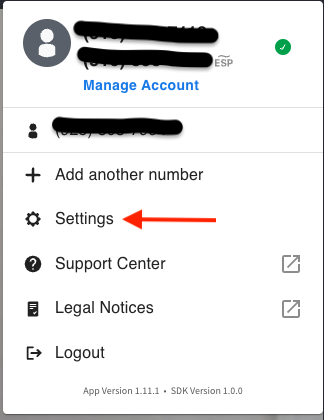
2. Select the gear icon to open Settings.
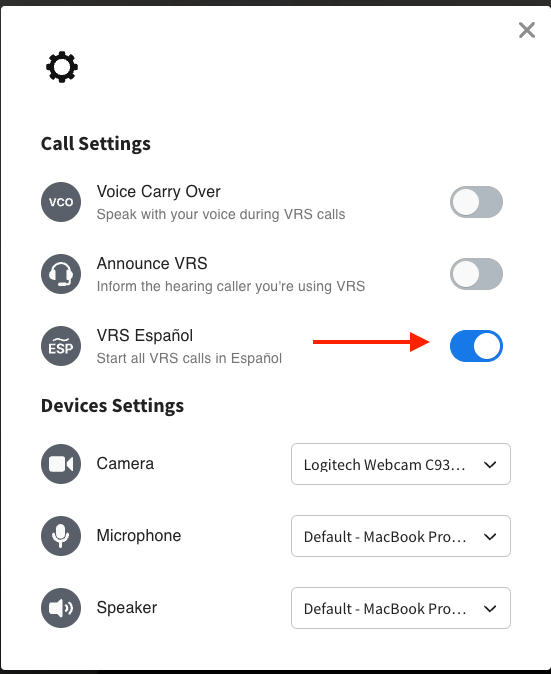
3. Find the VRS Español option and turn on the toggle switch.
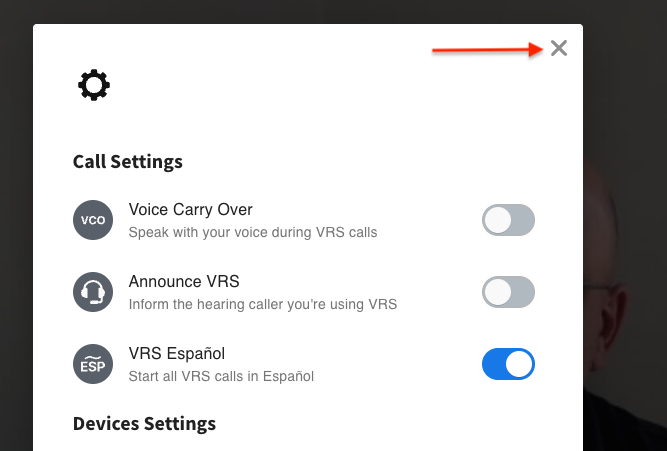
4. Click the X to close the settings window.
You're now ready to make VRS Español calls!
IMPORTANT:
When you're done, you can go back to Settings and turn the toggle off to return to English VRS.