
How do I set my camera to private in Convo Now?
You can turn your camera on or off at any time during a session.
On the Mobile App
-
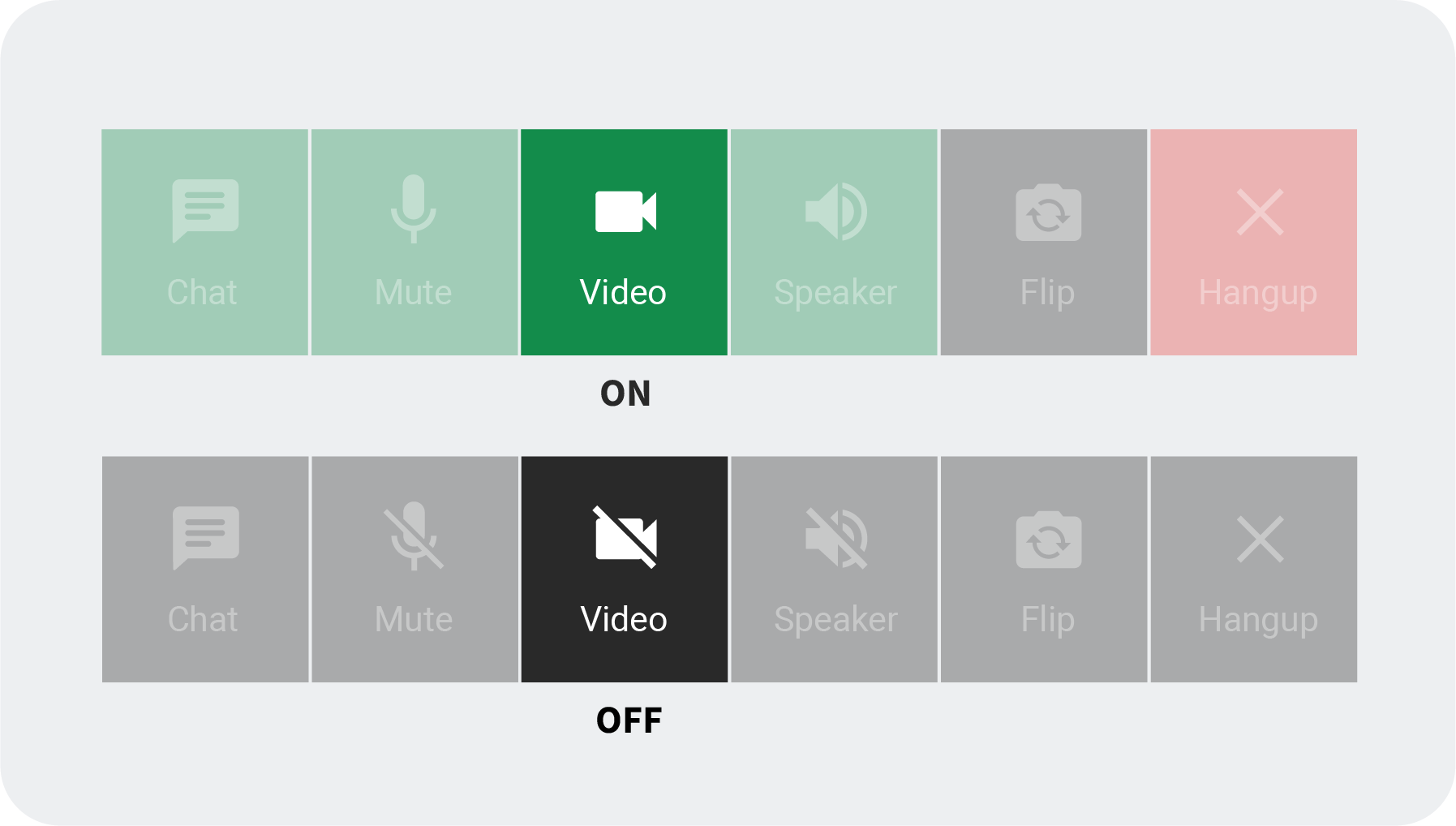
During a call, tap the Video icon at the bottom of the screen.
-
When the icon turns black, your camera is off.
-
Tap the Video icon again to turn your camera back on (it will turn green).
On the Web App
-
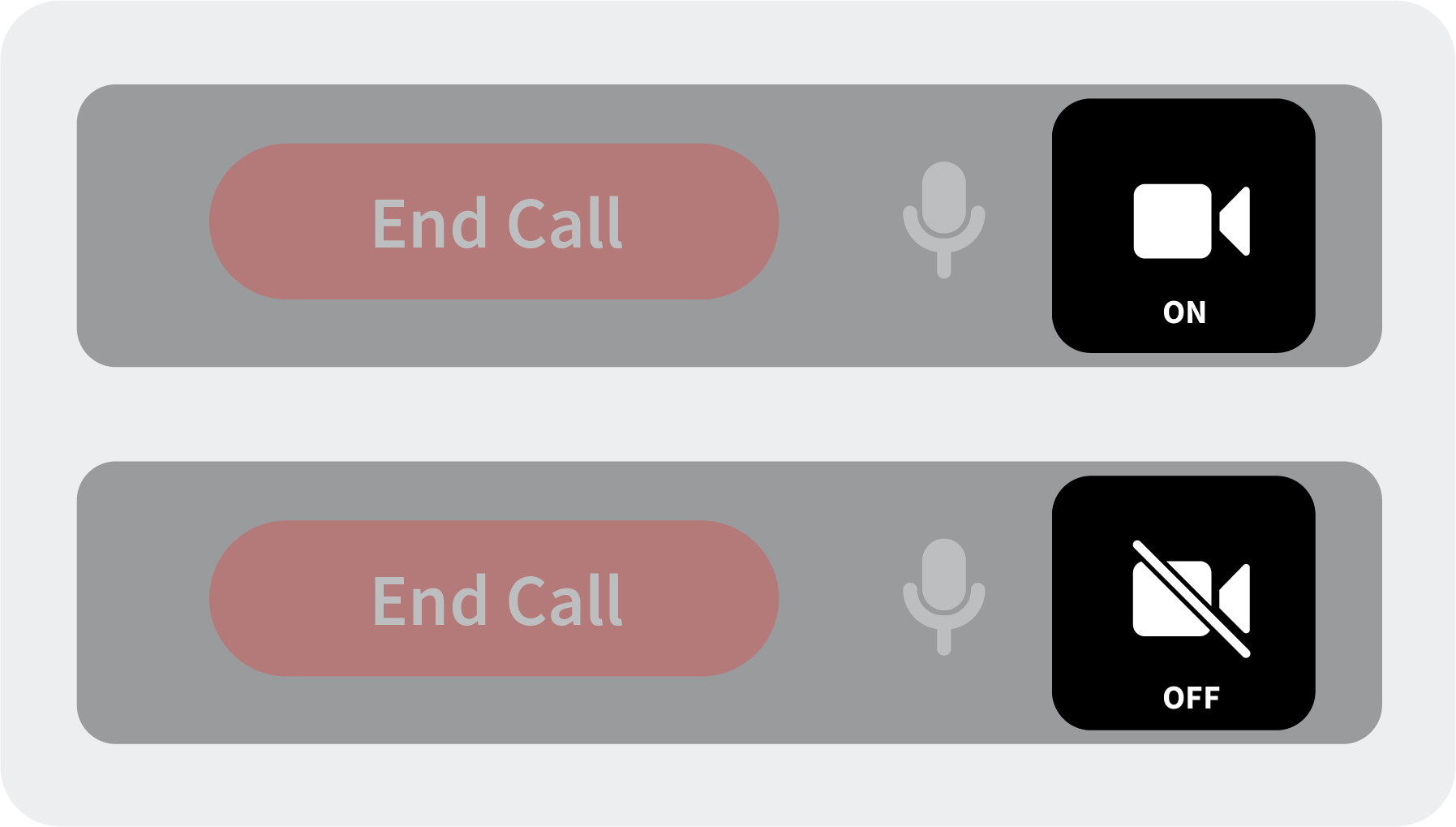
During a call, click the Video icon at the bottom of the screen next to the microphone.
-
Click the icon again to turn your camera back on.
 You’re always in control of your video privacy.