
How do I block a phone number?
We don’t like pesky callers either. You can block unwanted numbers by adding them to your Block List in your Convo account.
How to block a number
1. Go to the Convo website
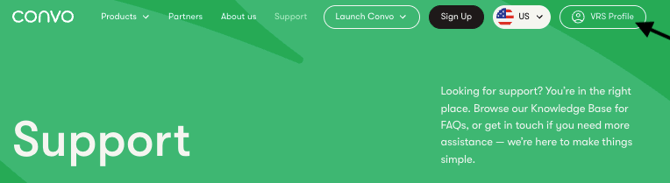
2. Click on VRS Profile on the right upper corner
3. Log in to your profile
4. Click Contacts (top right corner)
5. Select Block List

6. Enter the phone number you want to block
7. Click the + (plus) icon

✅ That’s it — the number is now blocked.
Reduce spam calls with the Do Not Call Registry
You can also reduce telemarketing calls by registering your number with the Do Not Call Registry.
- Visit: https://www.donotcall.gov
- Register your phone number for free
- Check your email and confirm within 72 hours
📌 Most sales calls will stop within 31 days
Note: You may still receive calls from:
- Charities
- Political organizations
- Debt collectors
- Survey companies