
Zoom is a must-have in today’s work environment but it’s not always Deaf-friendly. You can change that using Convo VRS.
How? Check this out!
NEW FEATURE UPDATE: Use Convo directly in Zoom app
Now, with Convo for Zoom, you can have interpreters right inside your Zoom meeting. No more juggling windows, dialing in, or complicated workarounds.
This new feature works directly within the Zoom app and gives interpreters full access to your meeting— including participants, screen shares, chat, and reactions—all in one window.
✅ Seamless and easy
✅ No scheduling needed
✅ 100% covered by the FCC for Convo VRS users
Learn more and get started with Convo for Zoom.
But we know that in some situations, you may prefer to keep the interpreter separate—whether for privacy, focus, or personal comfort. That option is still available and just as easy to use for your webinars or large meetings. See below for instructions.
Convo + Zoom
Step-by-step instructions for using Convo + Zoom
Step 1: Get a Zoom Meeting ID from host
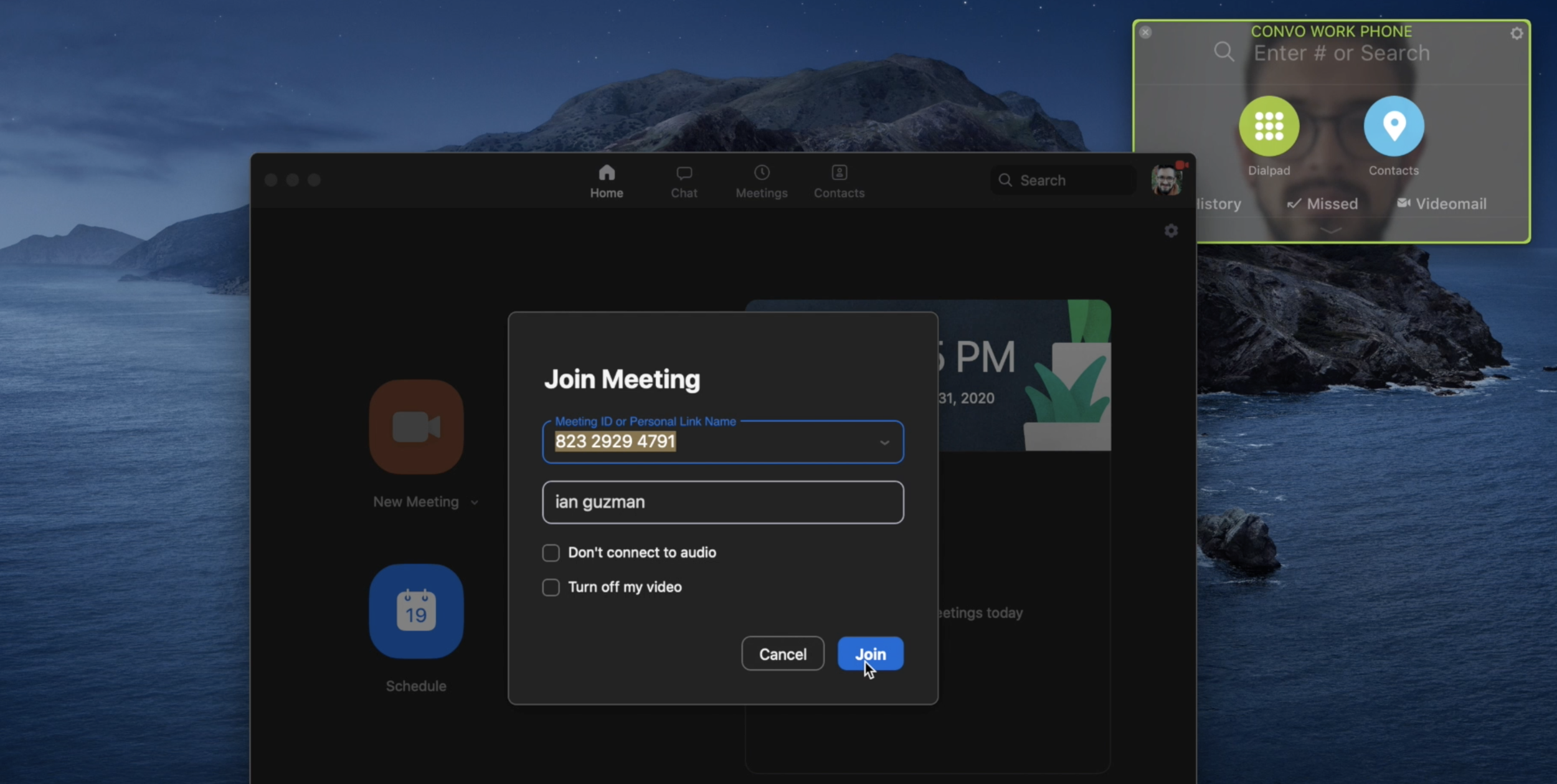
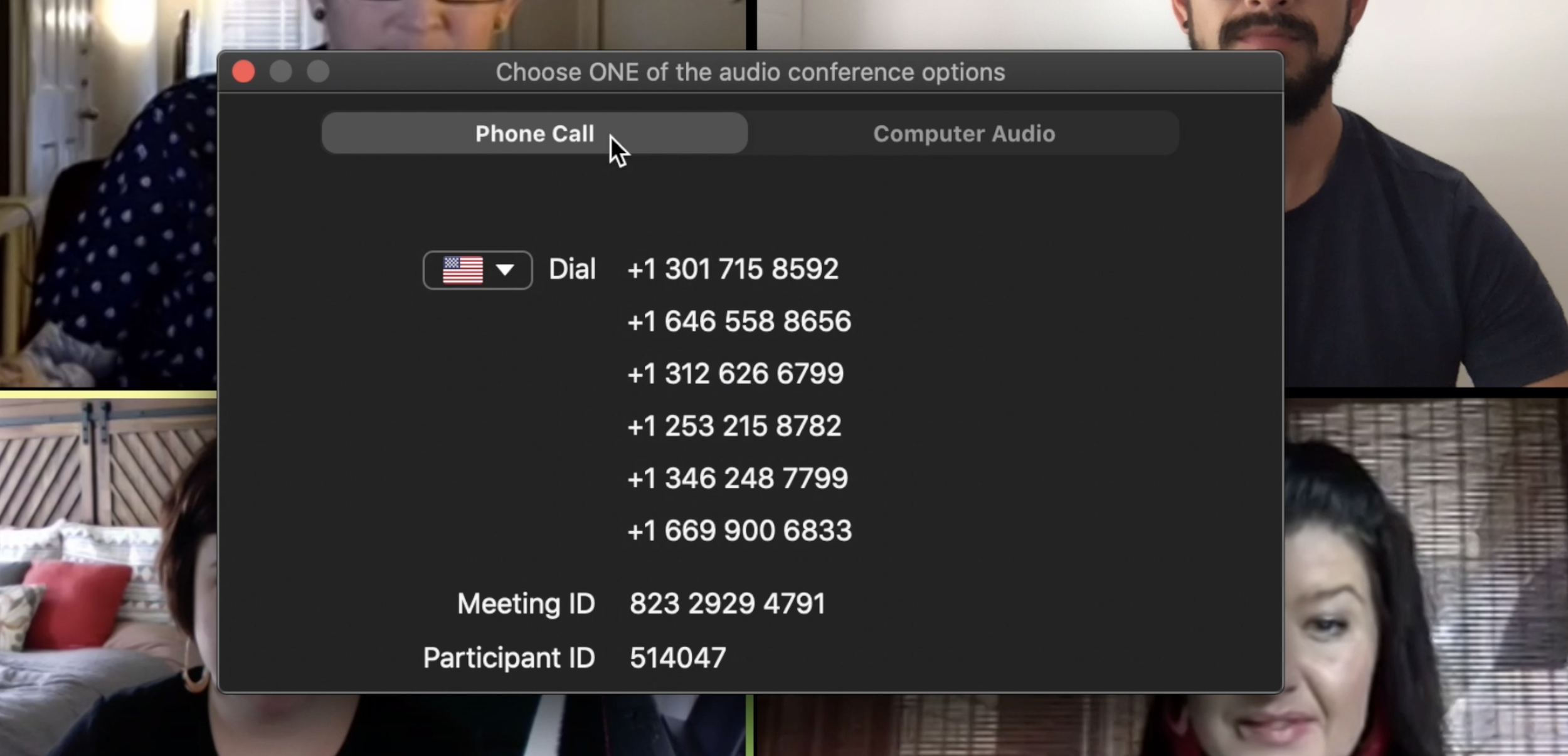
Step 2: Get Audio dial-in number from meeting invite
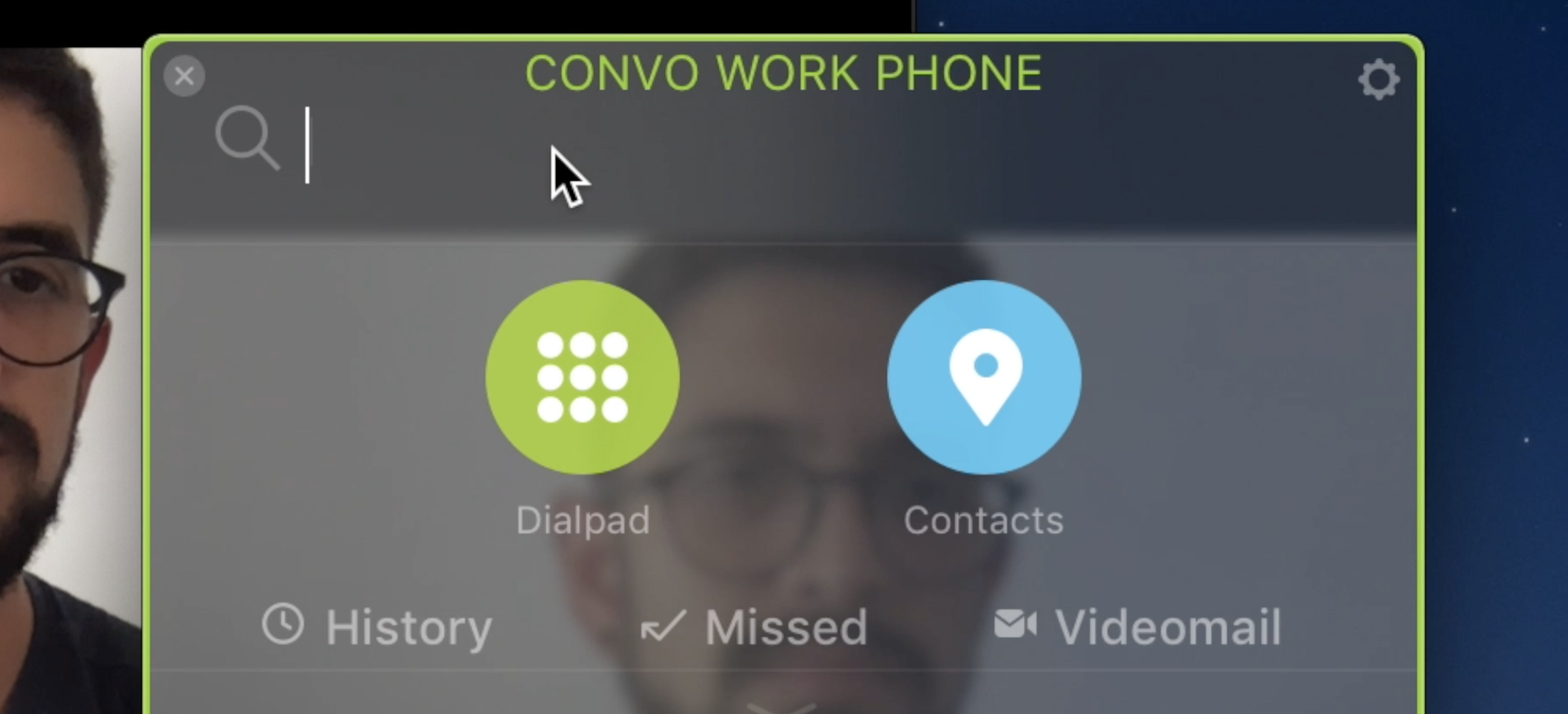
Step 3: Open the Convo app
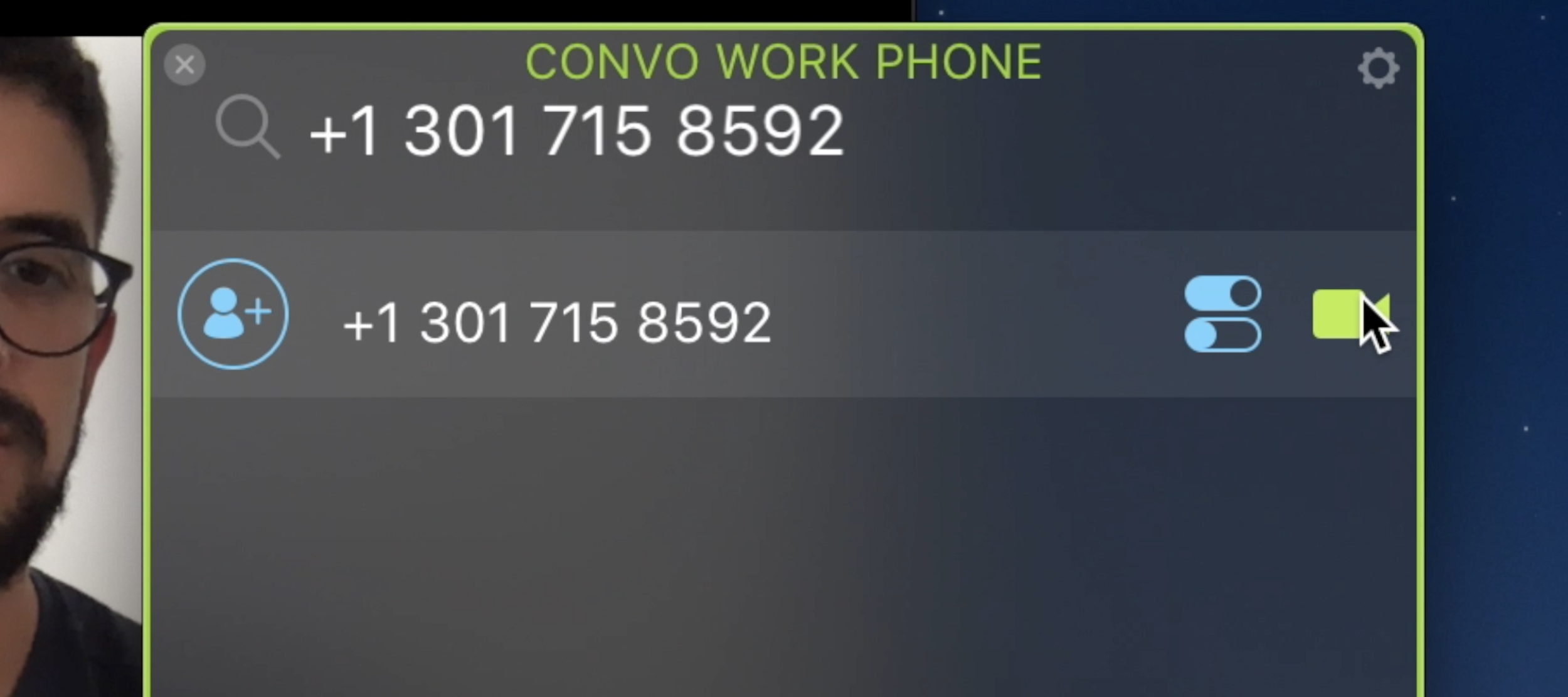
Step 4: Use an Audio dial-in number when you dial
Step 5: Convo interpreter will connect to zoom

Step 6: Give Interpreter meeting ID # when promoted

Step 7: VI will connect and interpret the meeting

NOTE: No one else can see the VI but you. The interpreter will voice for you and interpret for hearing participants.