

Welcome to Convo Call
Learn how to set up Convo Call, start and receive calls, manage contacts,
and get help.
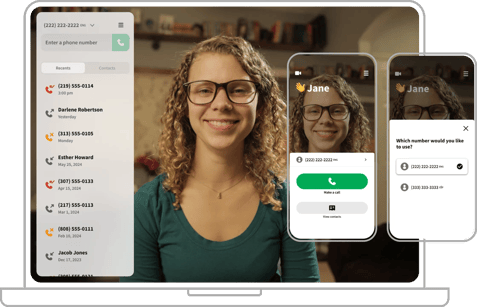
Early Access users: You can submit your feedback about your experience.
If you’ve switched to Convo Call, it is now your primary app for VRS calls. Once your migration is complete, Convo VRS and Convo Link are no longer available for calling.
On This Page:
Download and Log In
|
|
Android (phone/tablet)Make sure you can access the Google Play Store on your device. Convo Call works on Android 12 and higher. Steps:
Watch ASL Demo: Android |


|
|
iOS (iPhone/iPad)Make sure you have access to your Apple ID. Steps:
Watch ASL Demo: iOS |


|
|
|


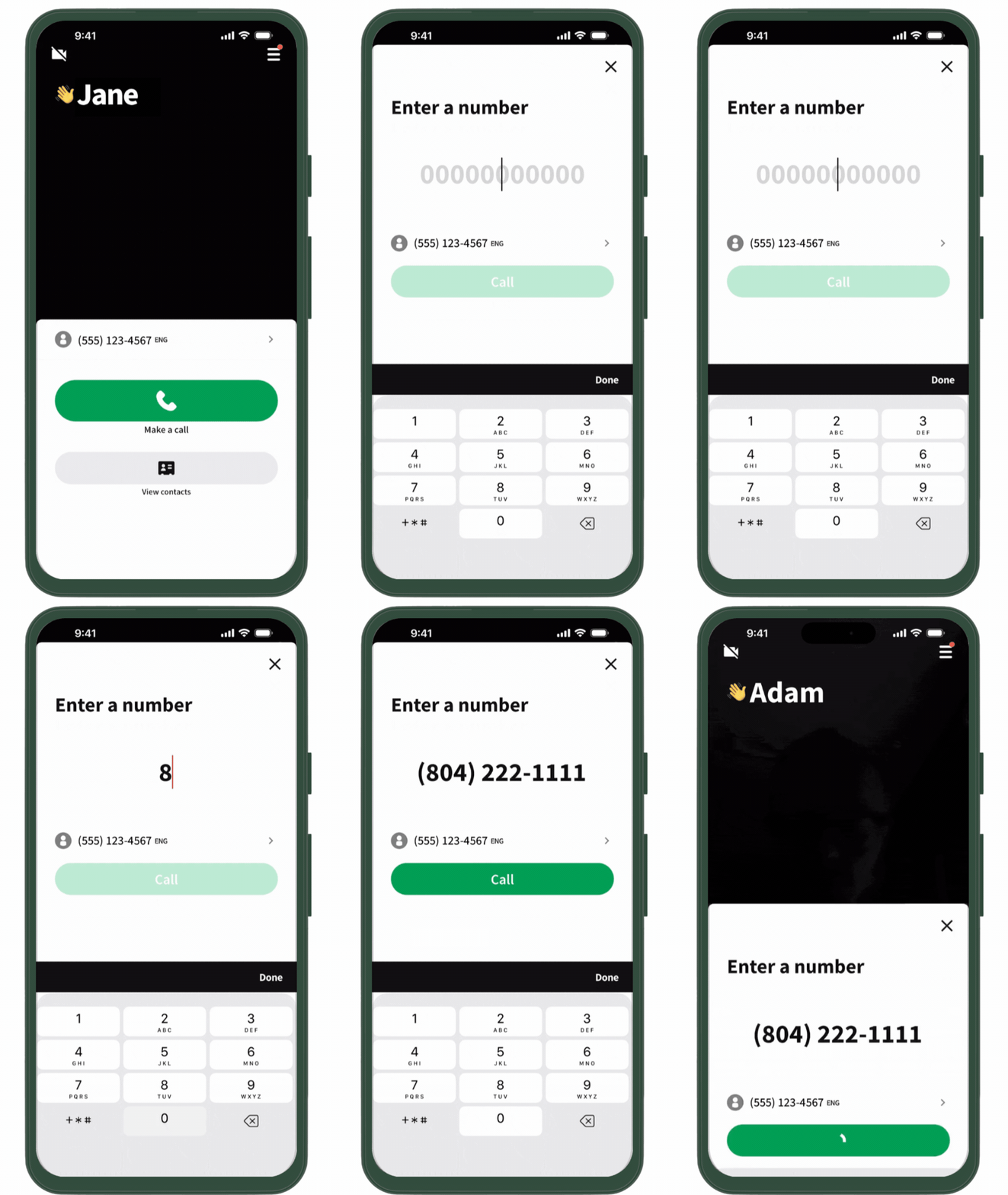
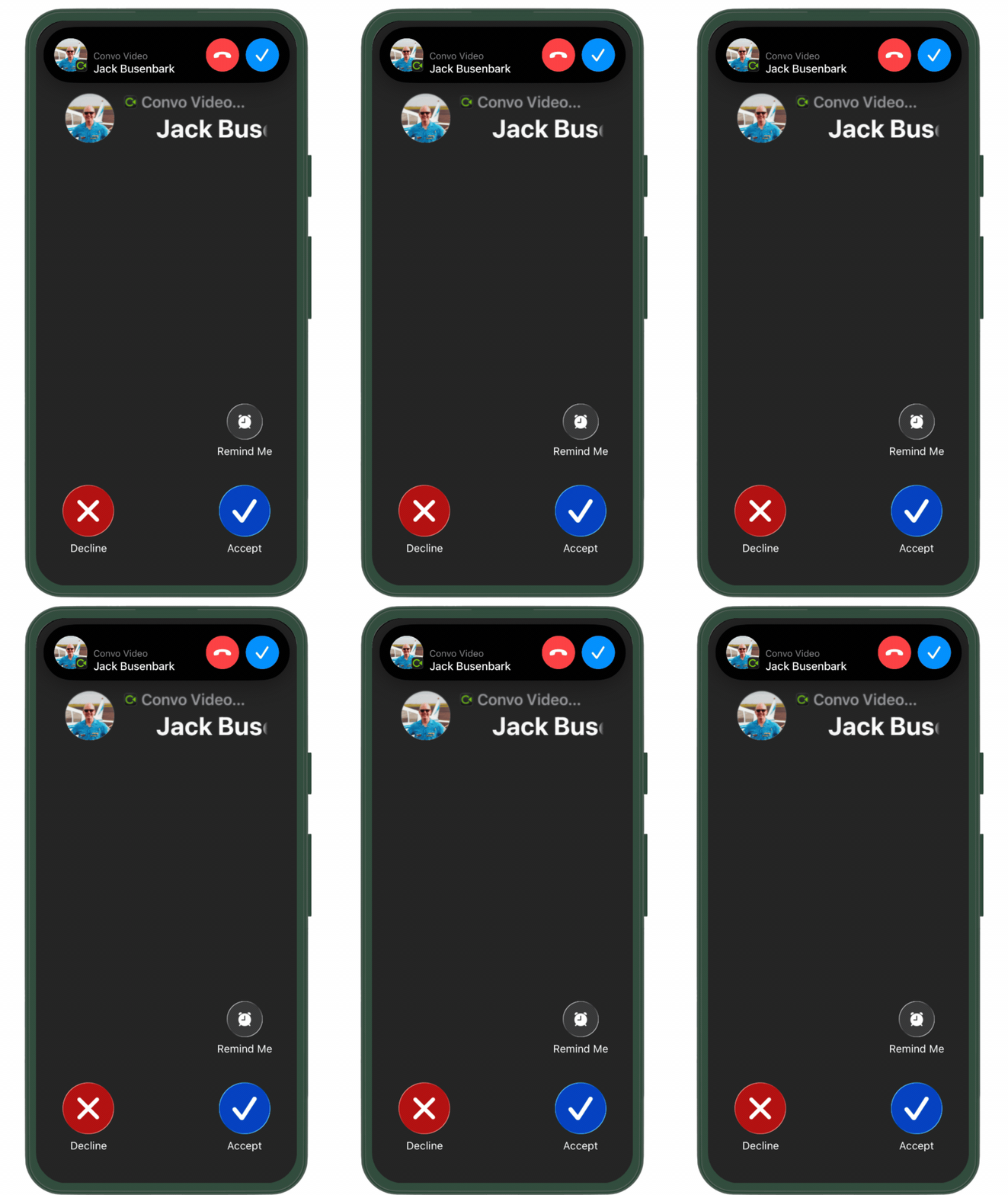
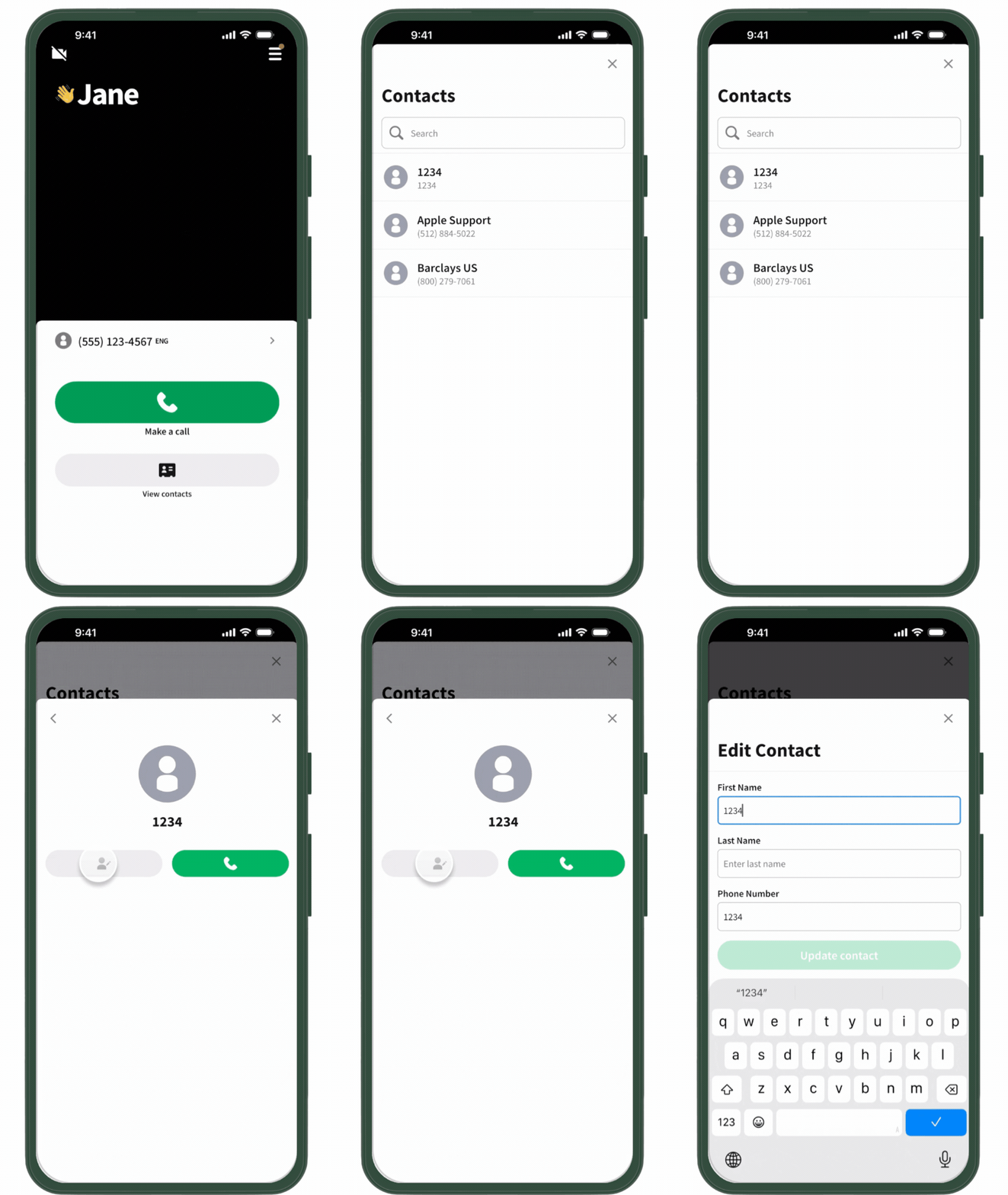
|
|
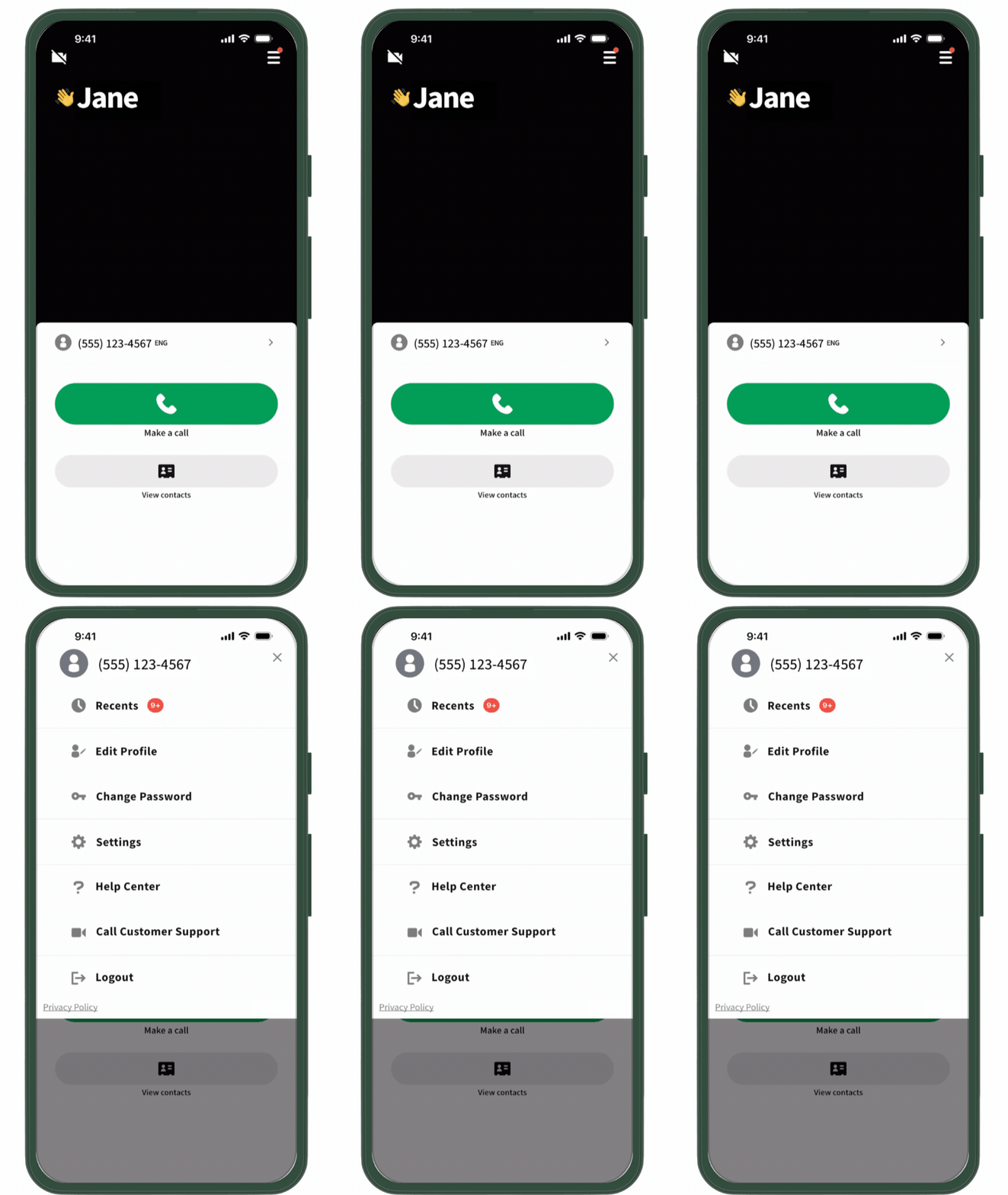
|
|
FAQs
Find answers to common questions about switching to Convo Call.
Get Help and Share Feedback
| If you need additional support, please contact our support team. |
If you would like to share feedback, please complete our feedback form. |
 |
 |
Your feedback helps us improve and enhance Convo Call.
Watch the full Demo for Your Device
Android (Phone/Tablet)
iOS (iPhone/iPad)
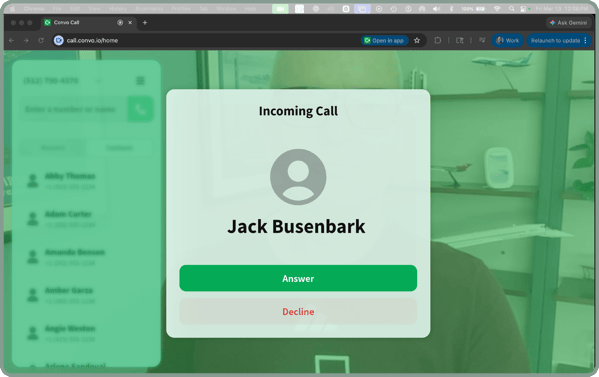
Web (Mac on Chrome shown)
Note: Convo Call on web also works on PCs and Chromebook and is optimized for the Chrome web browser.