
Answer calls directly on your device
Convo Call makes it easy to get calls on your iOS or Android device.
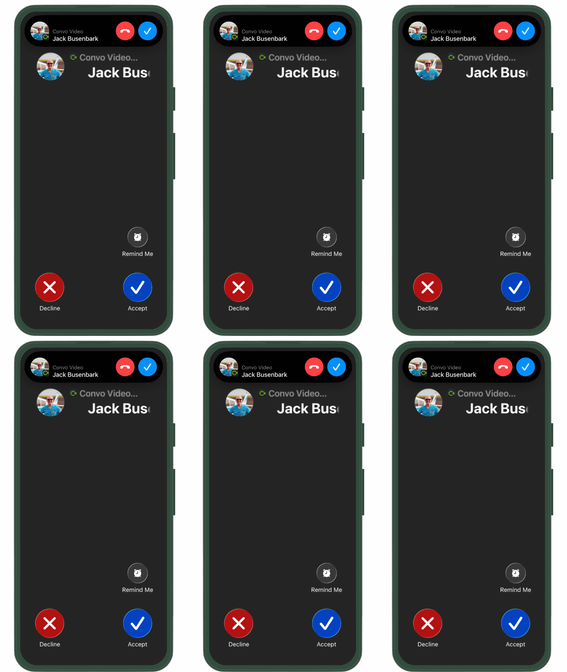
Call Notifications on Convo Call (Mobile)
When someone calls your Convo number:
- You’ll receive an incoming call notification on your device
Getting a Call on Convo Call (Mobile)
To answer a call:
- Tap Accept on your screen
- The call will connect in the Convo Call app
Missed & Cancelled Calls
View your call history in Recents:
- Missed Calls
Calls that reached your device but weren’t answered - Cancelled Calls
Calls ended by the caller before connecting to an interpreter
⚠️ Not Receiving Calls?
- Make sure notifications are enabled on your device
- Check your device settings and app permissions
- Visit our Permissions & Notifications article for help
If you need help, chat with our Support team.